Pomodoro Timer
A desktop Pomodoro timer built with Electron featuring native OS notifications, customizable work/rest intervals, and a clean UI with Tailwind CSS — my first shipped desktop application.
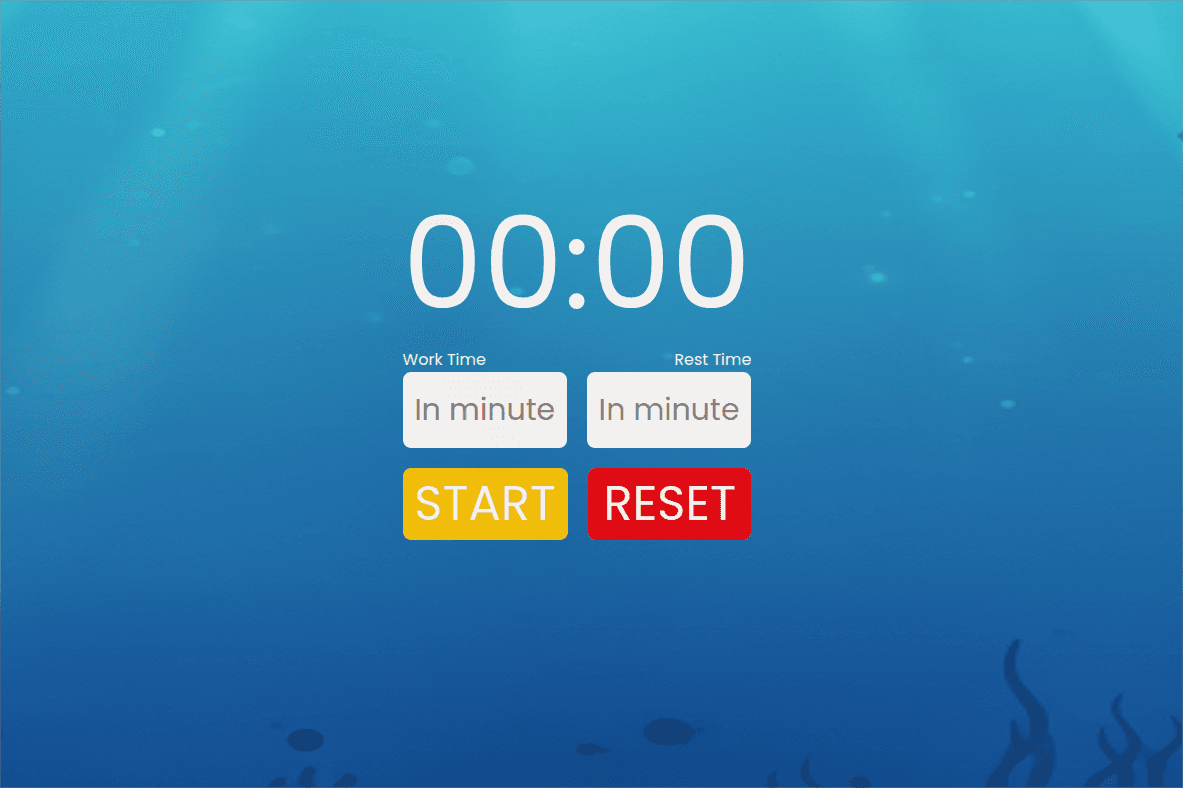
I wanted to build a desktop app that I'd actually use daily, and a Pomodoro timer felt like the right size — simple enough to finish in a week, but real enough to teach me Electron's quirks. I'd never shipped a native desktop application before, so the goal wasn't feature complexity but understanding the full packaging and distribution pipeline: how the main process talks to the renderer, how to bundle for production, and how to trigger native OS notifications from a web-based UI.
The core timer loop was deceptively tricky. It runs as an async while loop that alternates between work and rest sessions, each driven by a setInterval that decrements seconds. The challenge was preventing multiple timer instances from stacking when the user clicks Start repeatedly — solved with a simple isLoop boolean guard that the Start button checks before kicking off a new cycle. I used IPC with contextIsolation: true and nodeIntegration: false from the start, which meant wiring through a preload.js bridge just to call node-notifier. It felt like extra ceremony at first, but reading Electron's security docs convinced me it was the right call. No remote module, no direct Node access from the renderer, just a single window.api.sendNotification() method exposed via contextBridge.
I kept the renderer vanilla TypeScript with direct DOM references instead of pulling in React, partly because I wanted to understand what a framework abstracts away and partly because the UI only has two buttons and two inputs. Tailwind CSS v4 with the Vite plugin handled styling cleanly, and date-fns format() saved me from writing manual time formatting. The biggest lesson was around Electron's dev/production split — loading from localhost:5173 during development versus dist/index.html via file:// in production, and stripping the menu bar only in packaged builds. electron-builder turned that into a single command. It's a small app with clear limitations (no pause, no persistence, alert-based validation), but it works end-to-end as a real desktop application, and that was the point.